
LEO KPS: buy, sell and bid on anything in Tanzania.
Post items with photos in minutes, join live auctions, catch flash sales and deal with verified sellers, in English or Kiswahili.


Everything you need to buy and sell
One app for great deals near you, from furniture and electronics to fitness gear and music instruments.
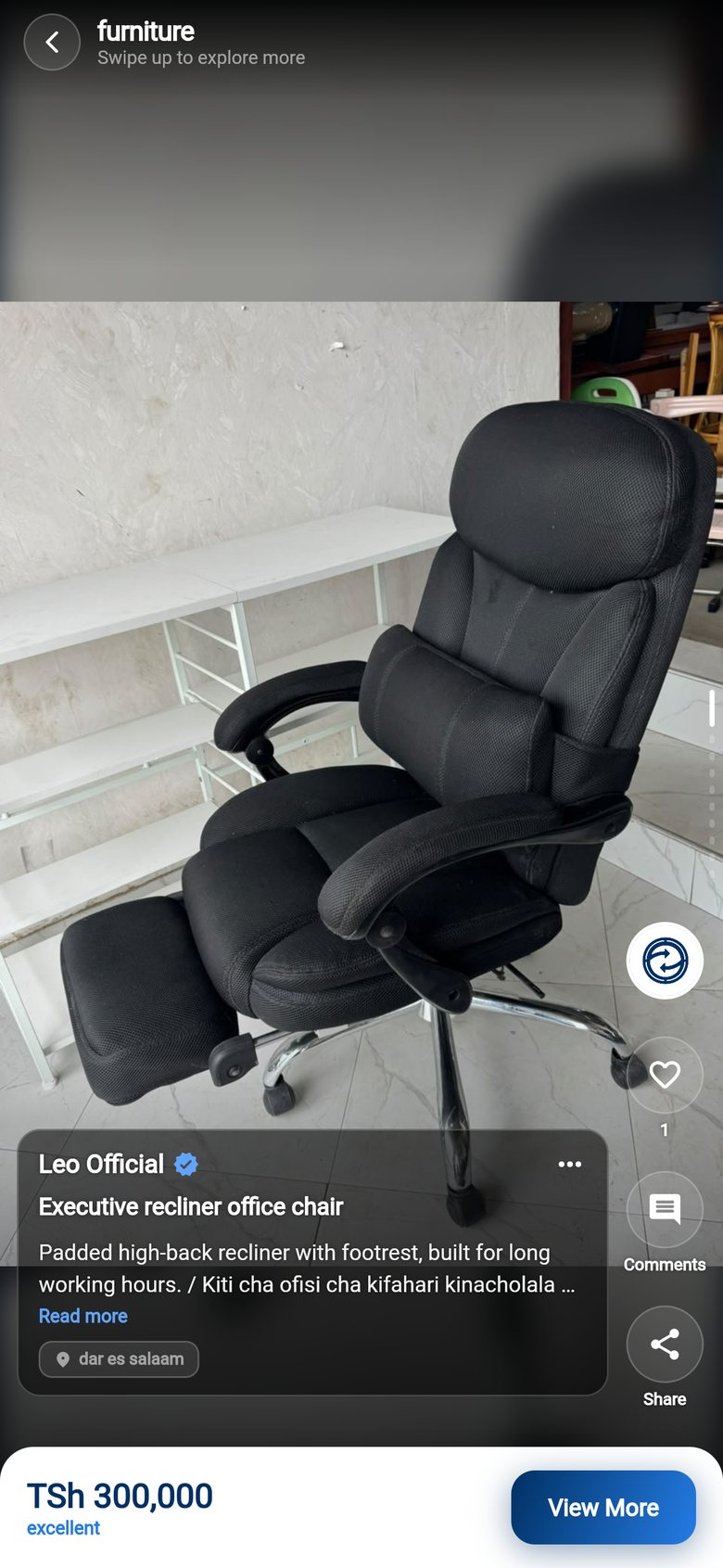
Swipe through real listings
Browse by category or scroll a full-screen feed of clear photos. Save favourites with one tap.
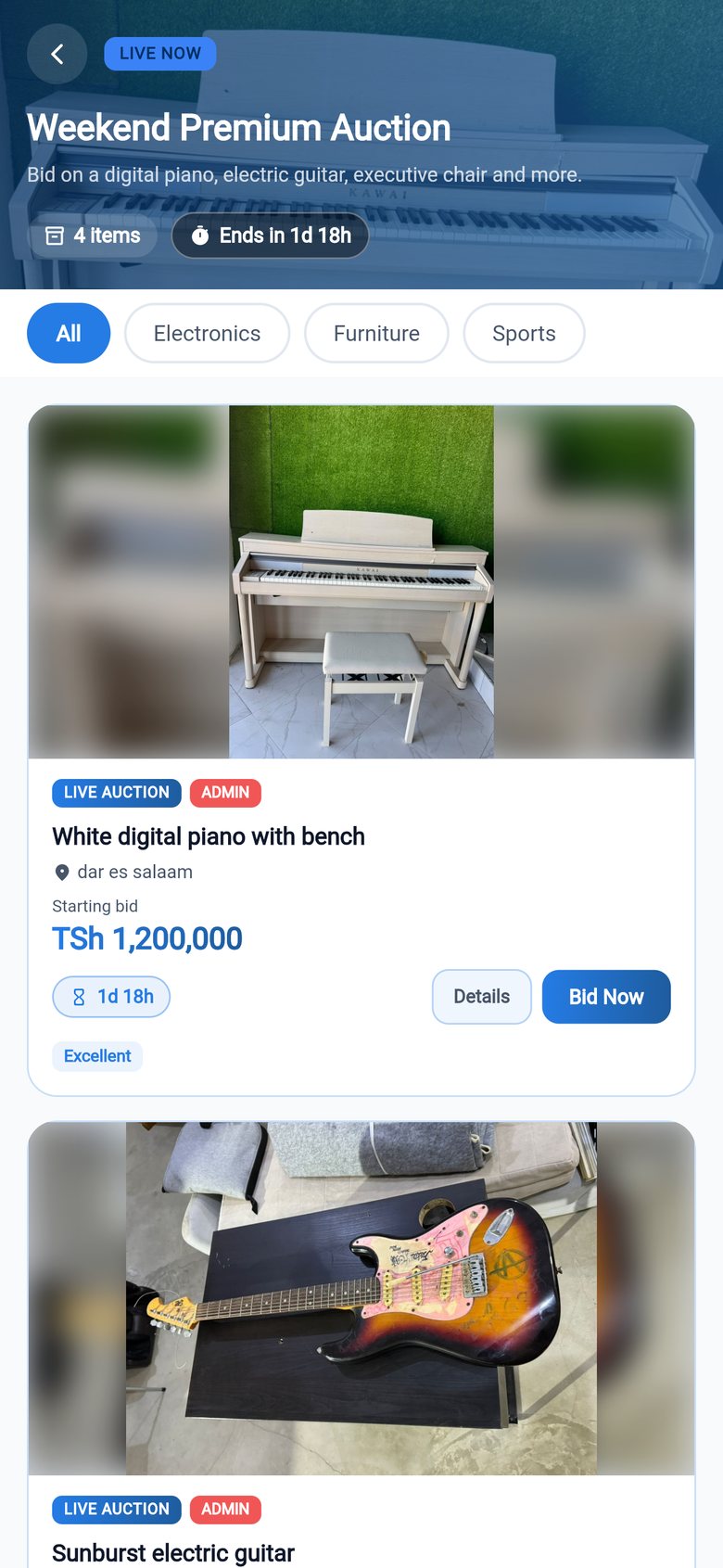
Live auctions
Bid on quality items, follow the countdown and get notified when you're outbid or win.
Flash sales
Limited-time discounts on popular items, with a timer so you never miss a deal.
Talk to sellers directly
Chat on WhatsApp or call the seller straight from the listing to ask questions or arrange a viewing.
Easy payments
Pay for items listed by LEO KPS with mobile money right in the app. For items from verified sellers, you agree the payment directly with the seller.
Safe and simple
Verified sellers, plus report and block on every listing, comment and profile. Reports are reviewed within 24 hours.
Start in three steps
Download LEO KPS
Get it free on Google Play or the App Store.
Create your account
Sign up with your phone number, email or Google account.
Buy, sell or bid
Find what you need, post your own items, or join a live auction.
Sell in minutes, reach buyers across Tanzania
Turn the things you no longer need, or your shop's stock, into sales.
- Post in minutes. Add photos and a short video, set your price and location, and you're live.
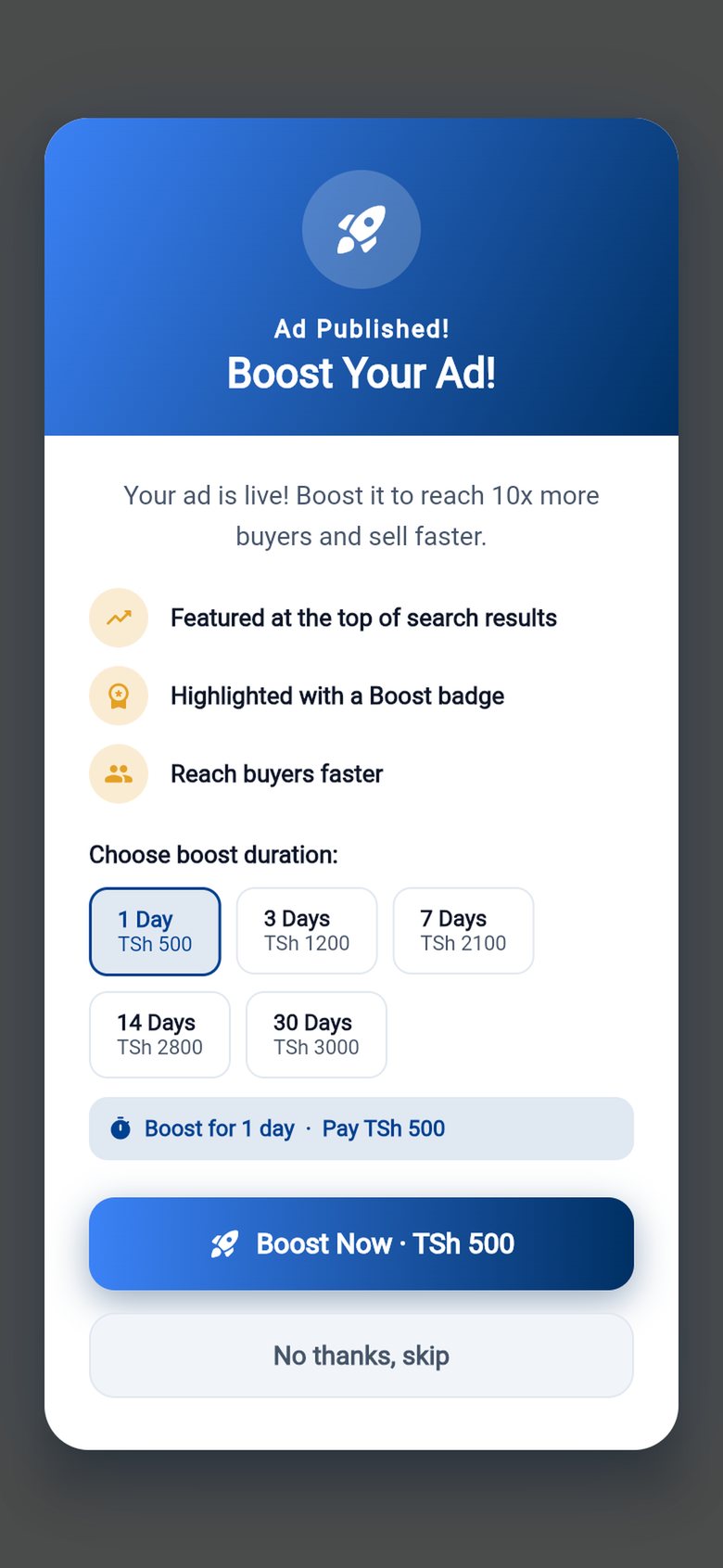
- Boost your listing. Show it higher in the feed for 1 to 30 days, from TSh 500.
- Join auctions. Put your item in a live auction and let buyers bid.
- Get verified. Earn the verified badge so buyers know they can trust you.
See LEO KPS in action
Real screens with real listings from sellers in Tanzania.
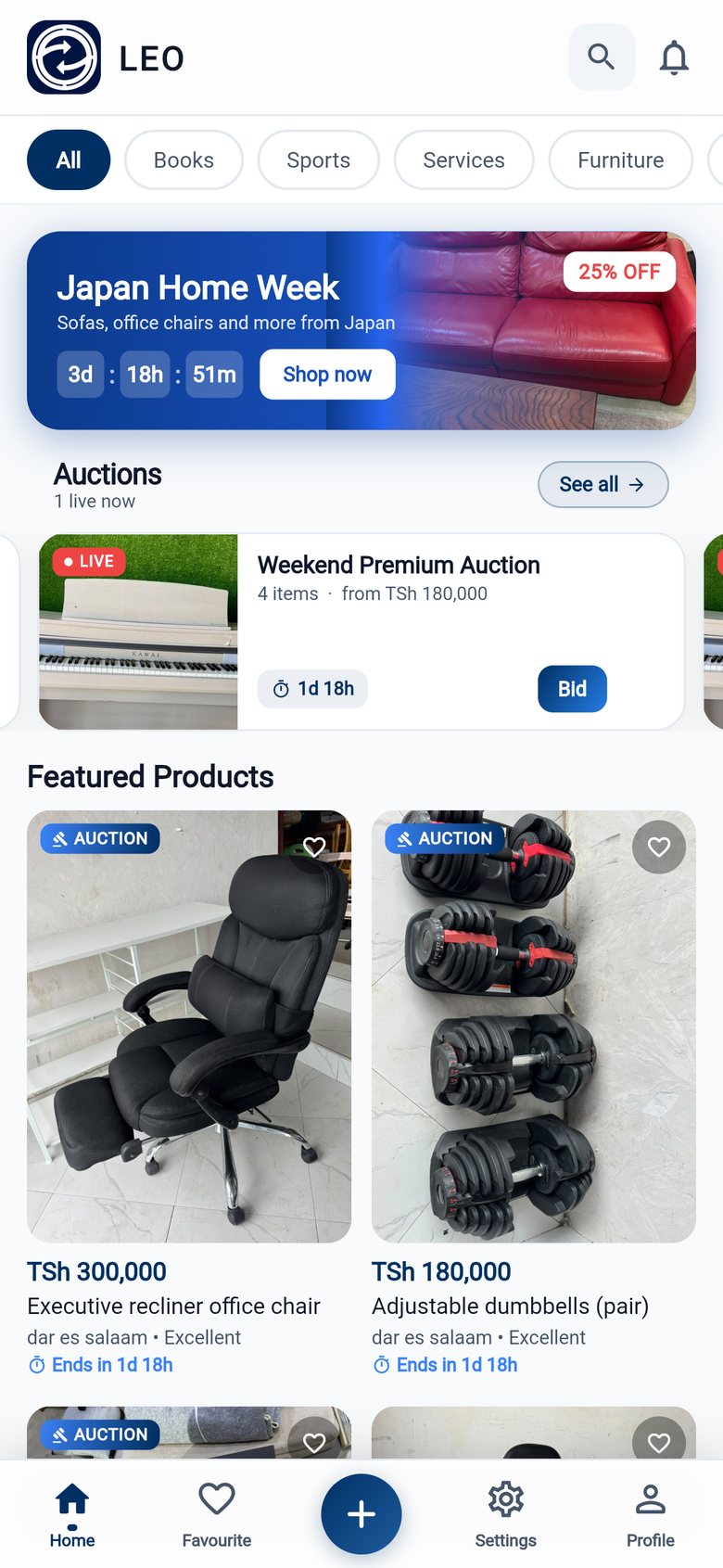
Deals, auctions and categories at a glance
Swipe through products full screen
Bid in live auctions
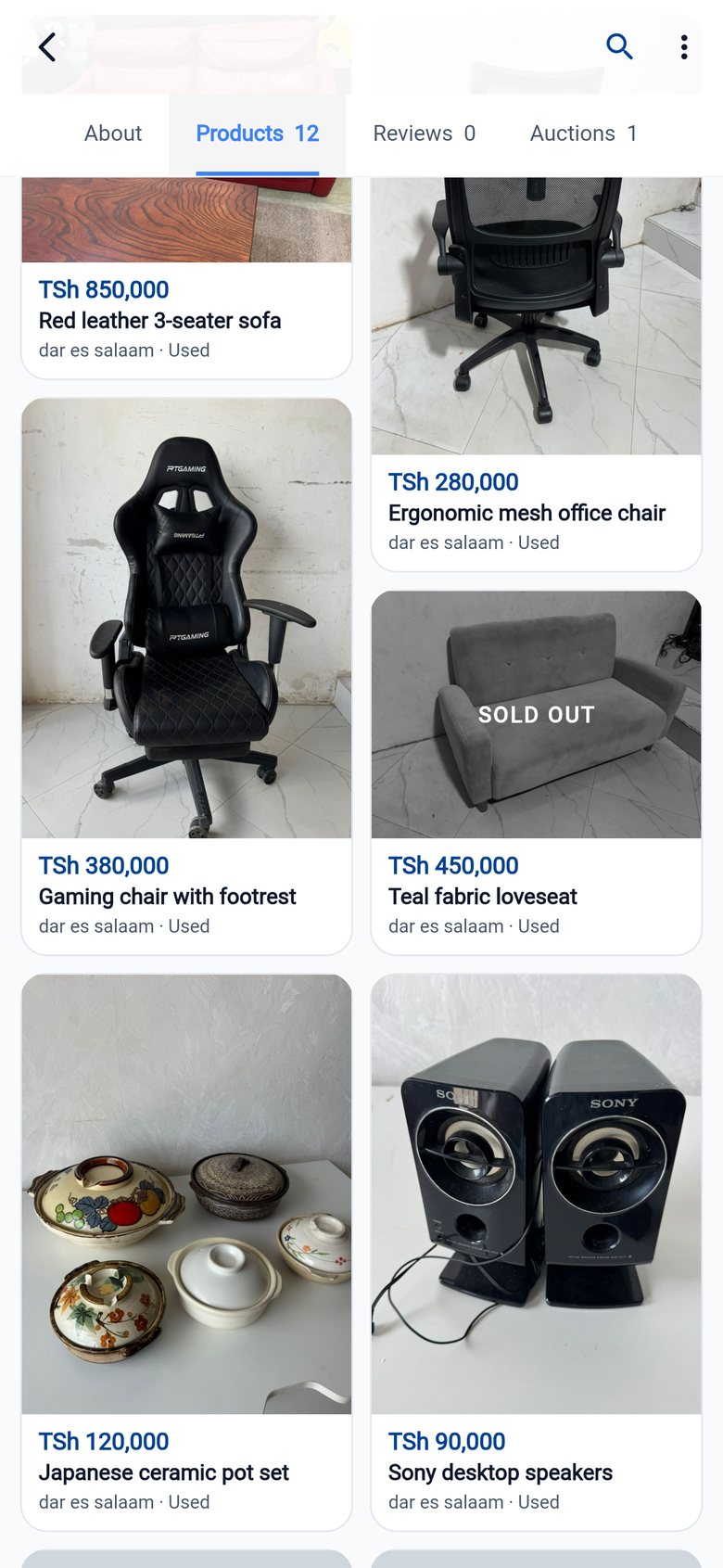
Visit sellers and their other items
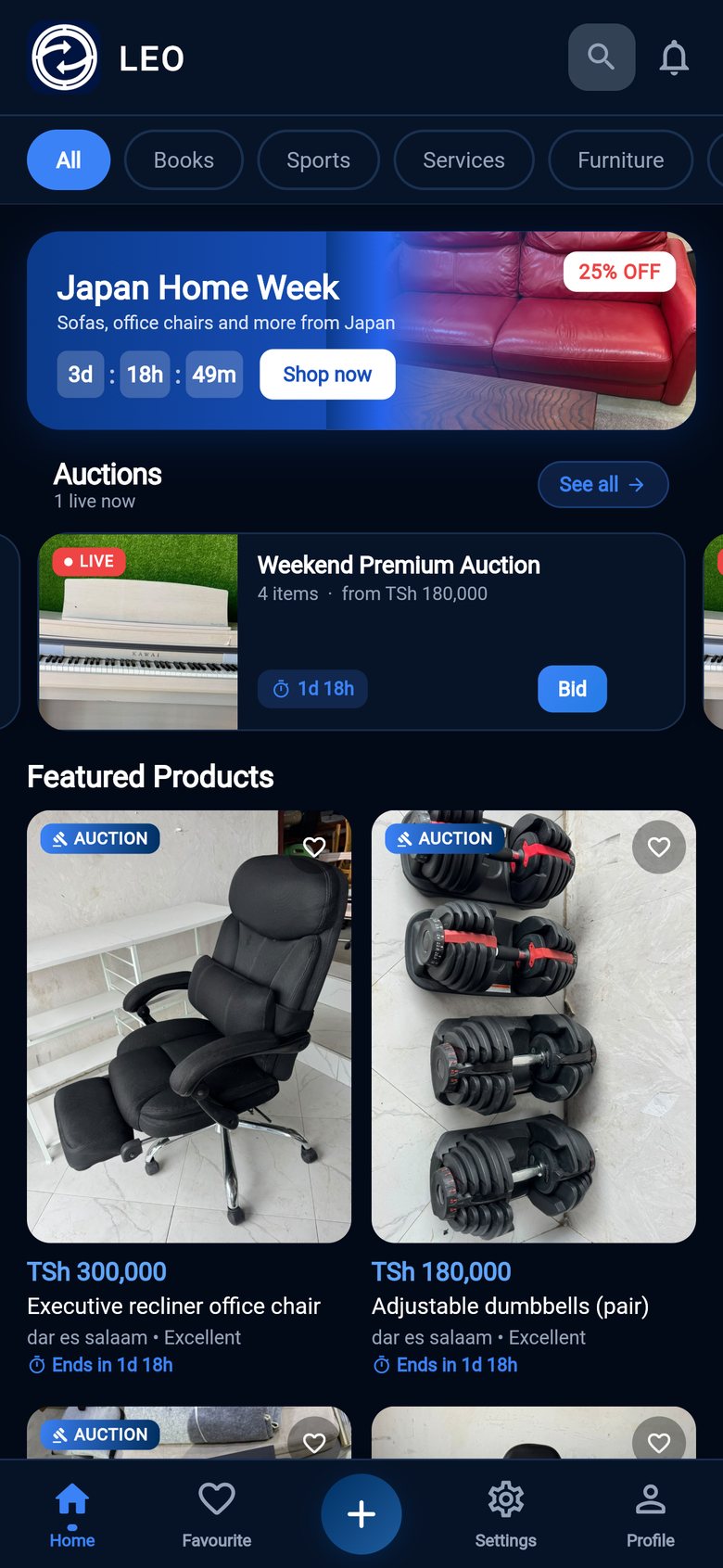
Light and dark themes
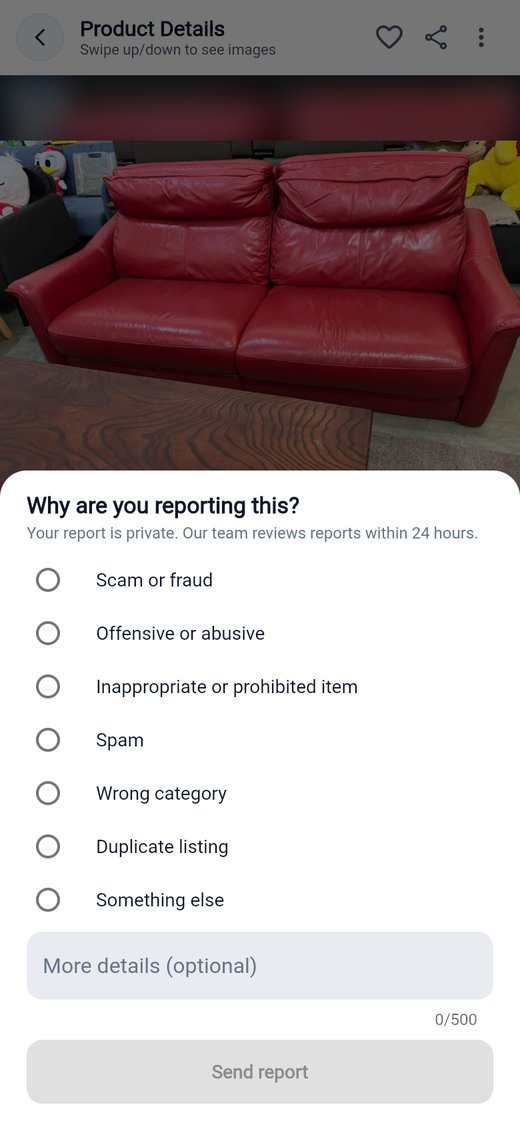
Report anything that looks wrong
Questions people ask
Is LEO KPS free?
How do I pay for an item?
How do auctions work?
How do I stay safe?
Which languages and phones are supported?
How do I delete my account?
Get LEO KPS on your phone
Buy, sell and bid on quality items across Tanzania. It's free.
We're here to help
Questions about the app, your account or a listing? Get in touch.